
Classroom and Team Picker
Random groups, fair turns and Secret Santa pairs from any class or team list.
Make GroupsTeachers, coaches and team leads use a random name picker from a class or team list every day: to call on people, set presenting order or split a room into groups. This page adds two tools built for that job — a random group maker and a Secret Santa pair drawer.
Random Group Maker and Secret Santa Pairs
Private by design. The tool runs entirely in your browser. This page loads no outside scripts, has no tracking, and never sends the names you paste anywhere — close the tab and they are gone.
Ideas for the Classroom
- Cold calling, kindly. A random pick feels fairer to students than the teacher choosing, and keeps everyone ready to answer.
- Presentation order. Draw the whole class as “winners” to get a full random order in one click.
- Lab partners and project groups. Mix students beyond their usual friends; regenerate if a pairing won’t work for a reason you know about.
- Jobs and helpers. Line leader, materials manager, board cleaner — rotate them fairly.
- Review games. Pick which team answers next, or which question number comes up with the number generator.
Student names stay on your device: the tools run in the browser and send nothing anywhere, which keeps class lists out of third-party apps.

Secret Santa and Gift Exchanges
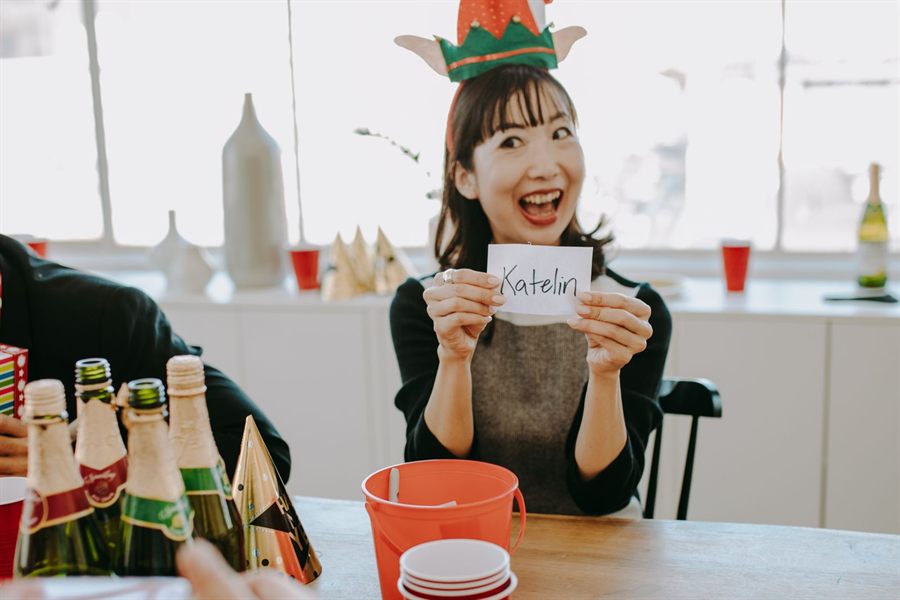
The Secret Santa button arranges everyone into one random loop, so each person gives one gift, gets one gift, and nobody draws their own name. Behind the scenes it uses Sattolo’s algorithm, a variation of the standard shuffle that always produces a single cycle.
Because the full list appears on one screen, the person running the draw sees every match. For a truly secret exchange, have a non-participant run it and message each person their match privately — or simply print the list, cut it into strips and hand them out folded.
For Teams and Offices
Random order works well for stand-up meetings, demo days, code reviews and on-call rotations. It also helps with fair sampling — which customer calls to review, which expense reports to audit — when you don’t want anyone to suspect cherry-picking. Paste the list, draw, and copy the stamped result into your notes.
Classroom and Team Questions
How do I stop the same student being picked twice?
Paste the class list into the name picker and set the number of winners to the whole class. The result is a random order with nobody repeated; work down the list as you call on students.
Are the groups exactly equal?
Group sizes differ by at most one. With 26 students and 4 groups, two groups get 7 and two get 6.
Can I keep Secret Santa results secret from myself?
Not with one shared screen, since the organizer sees the whole list. If the organizer is also taking part, have someone who is not playing run the draw and send each person only their own match.
Pick One Name at a Time
For calling on a single student or choosing one volunteer, the main random name picker is the quickest tool.
Open the Name Picker